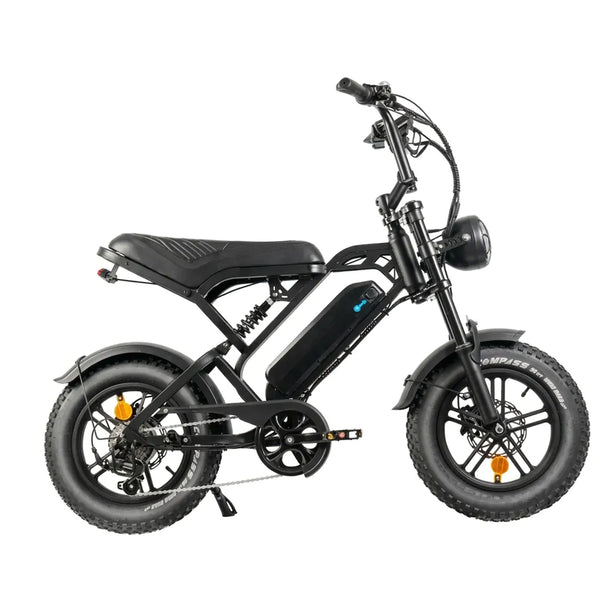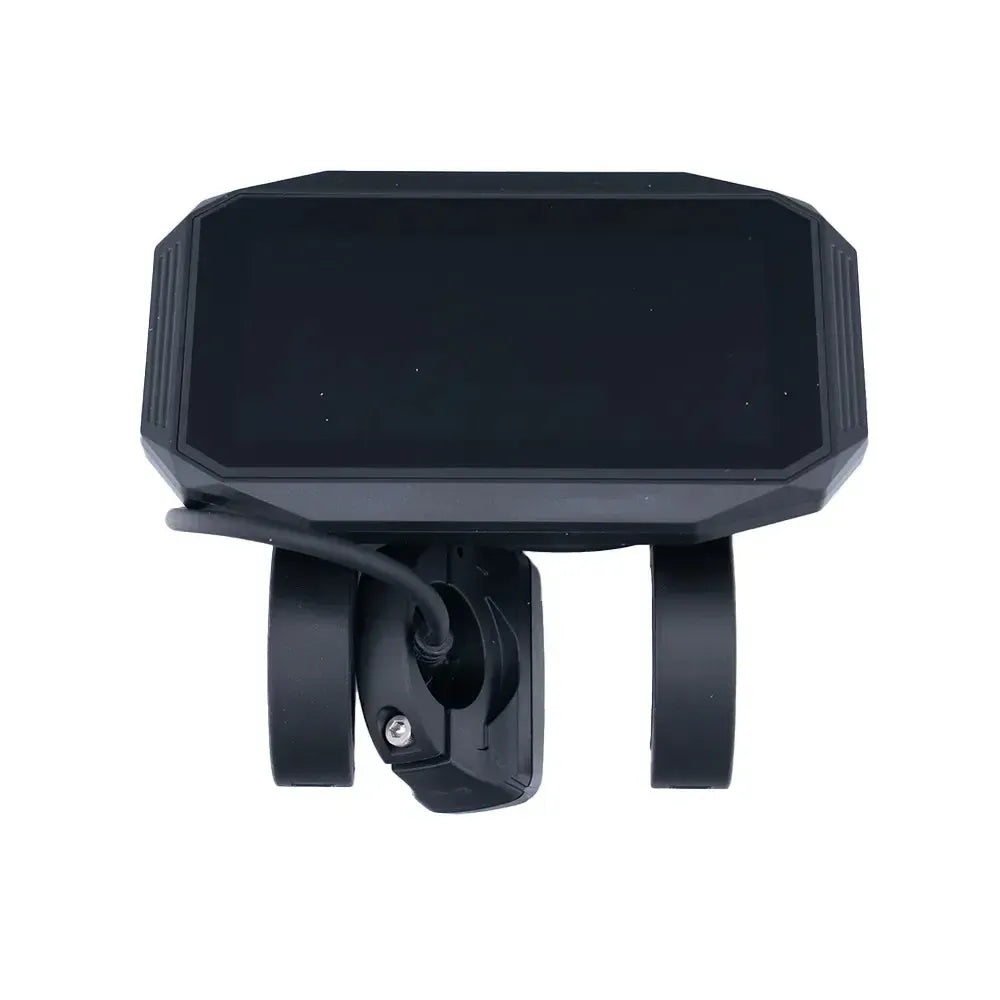
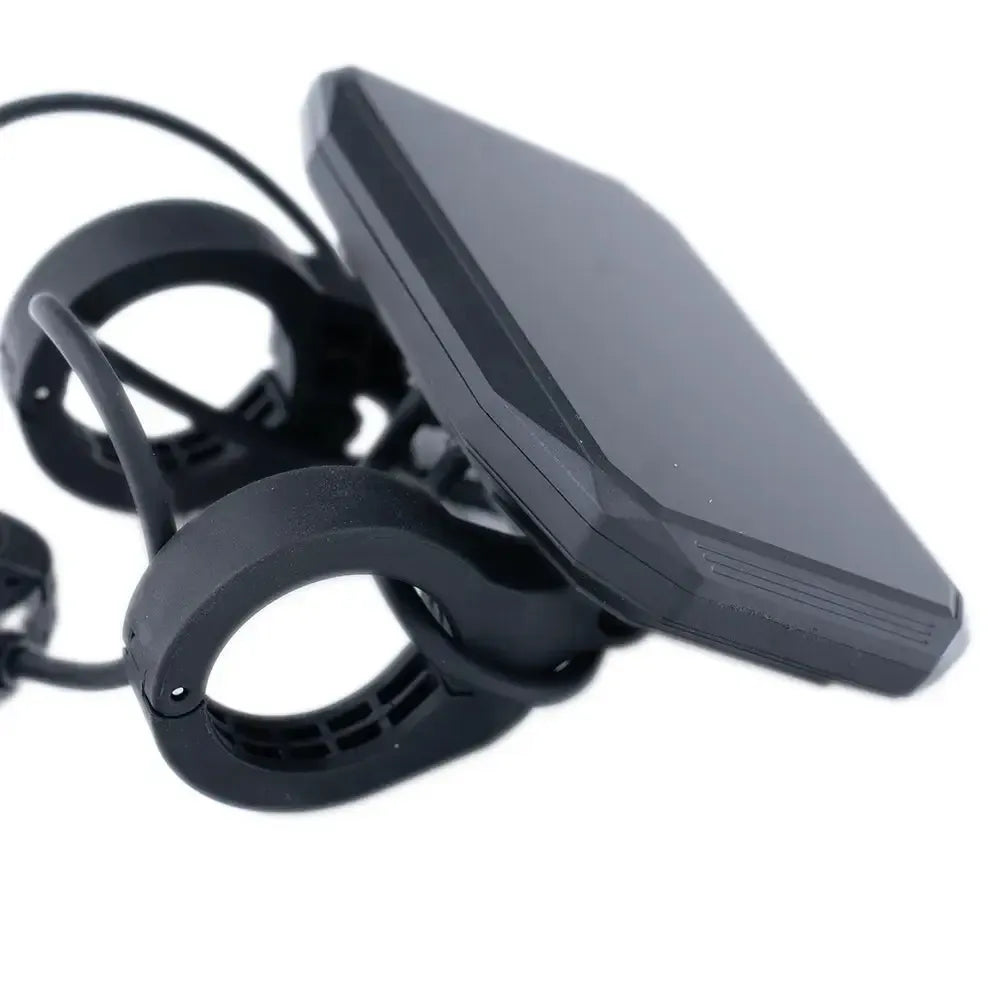
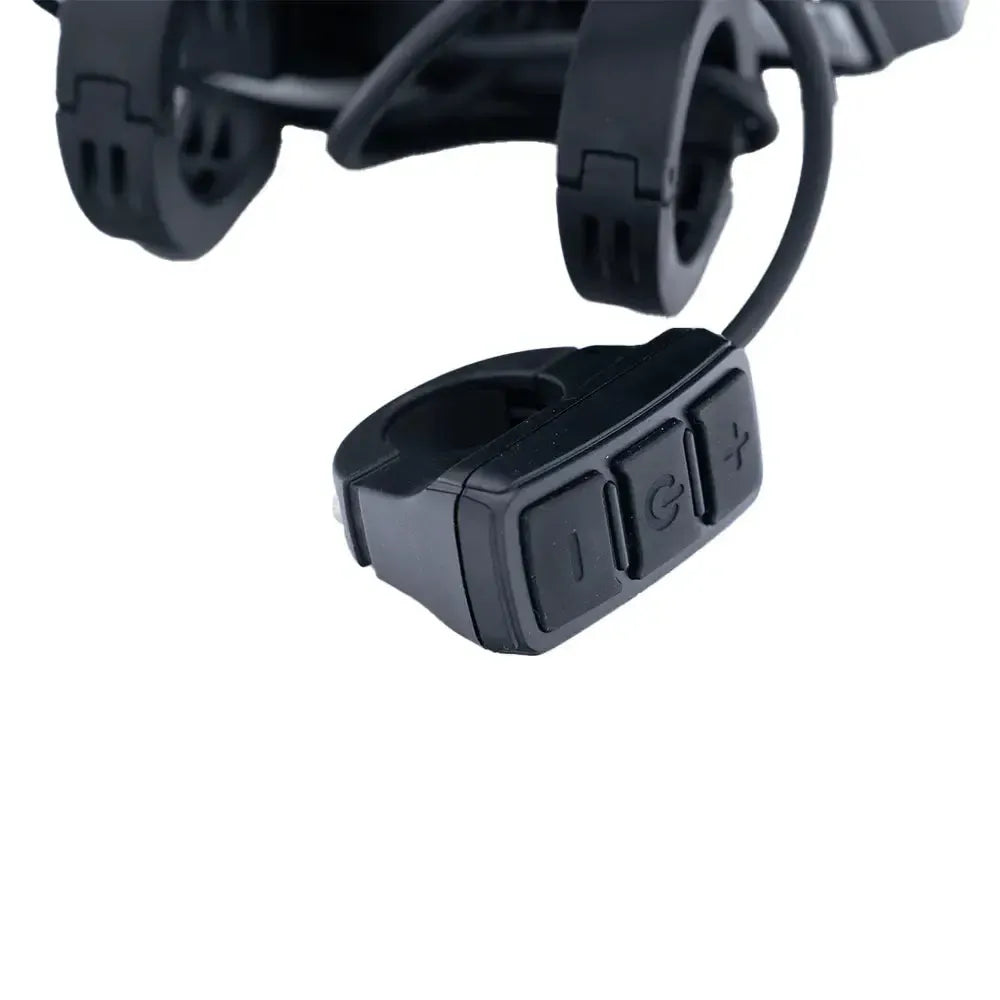
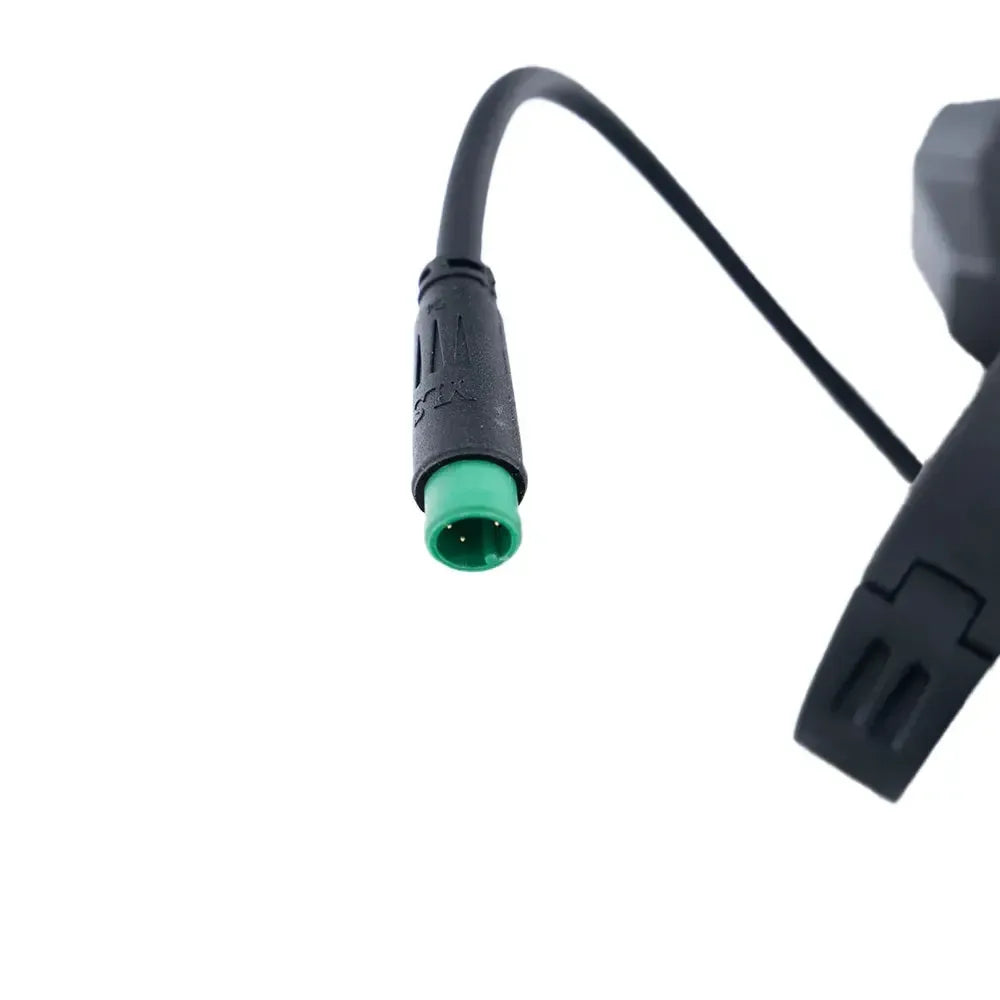
V20 - Display 500 watt

47,- 50,- 6% discount
Geschatte levertijd 1-2 weken

Geschatte levertijd 1-2 weken

Geschatte levertijd 1-2 weken
    • 3 parts of 15,66

      Shop now. Pay with Klarna in 3 installments.

      Buy what you like, pay in 3 installments.

      15,66 Every 30 days.
      15,66 Today
      15,66 In over 30 days
      15,66 In over 60 days

      1. Choose “Klarna” at checkout

      Pay in 3 installments, 0% interest at checkout

      2. Choose your payment plan

      Depending on the purchase amount, different payment plans may be displayed.

      3. Complete the purchase

      The amount will be charged according to the payment plan you selected.

  • Up to 3 years warranty

    Up to 3 years warranty

    We offer a 3-year warranty on the frame and 1 year on parts and the battery.

  • Lowest Price Guarantee

    Lowest Price Guarantee

    Seen it cheaper somewhere? We will match the price.

Description

The display is an essential tool on your QM WHEELS V20, allowing you to view important information such as speed, battery status, and riding mode at a glance. Over time, the display may function less effectively due to heavy use or damage, which can affect ease of use. Replacing a defective or outdated display ensures you always stay in control during your rides. With the original QM WHEELS V20 display, you are guaranteed accurate and reliable performance, so you can keep riding without any issues.

Free shipping

Free shipping

From 45,-

Pay in 3 installments

Pay in 3 installments

At no extra cost

Lowest price

Lowest price

Delivered directly

Buy V20 display 500 watt at GoFatbike

The 500 watt version of the QM Wheels V20 has its own display, tailored to the control of that motor. It shows speed, battery level, and support mode. If the screen stops working or shows values that don’t make sense, replacing it is usually faster than searching for a cable break somewhere in the wiring. This is the original unit, so the settings remain as the manufacturer intended.

Important: this display belongs to the 500 watt version and not the 250 watt variant. If you swap the two, the control won’t be correct. You can see which version you have on the battery or on the sticker on the frame. During installation, loosen the handlebar bracket, disconnect the plug, and click the new connector in place until you hear it snap. Then check if the screen shows the same support modes as you’re used to and keep the cable routing free of kinks.